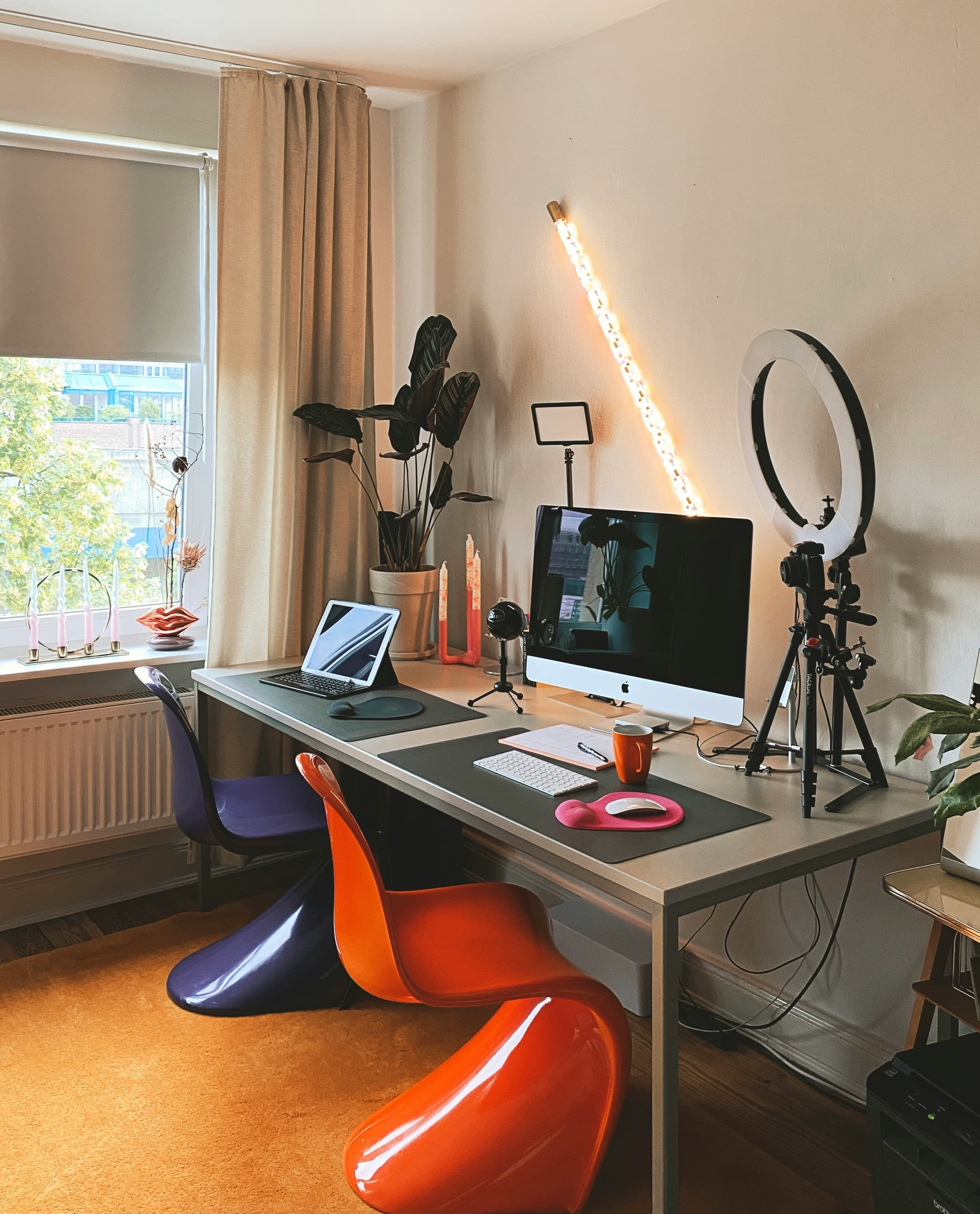
Why Setup Matters More Than Your Face
Omoggle's AI processes a webcam image — not your actual face. The same person can score 1.5–2.0 points higher with an optimized setup.
7 Tips
1. Camera above eye level
Position webcam 15–25cm above your eyes, angled slightly down. Emphasizes canthal tilt and sharpens jawline appearance. The #1 single change you can make.
2. Natural side lighting
Sit facing a window at 45 degrees. Adds facial dimension that highlights cheekbones and jawline.
3. Dark neutral background
Plain dark background reduces visual noise and forces the AI to focus on your face.
4. Camera distance 60–80cm
Too close distorts proportions. Too far loses landmark detail. Face should fill 40–60% of the frame.
5. Skin prep
Wash face, apply light moisturizer before each session. See: skincare guide.
6. Neutral expression
Slight relaxed smile. Avoid wide grins that distort facial landmarks.
7. Play in the morning
Post-sleep faces have less puffiness and better skin clarity. See: sleep and looksmaxxing.
Test your setup with our free AI Face Analyzer before going live on Omoggle.